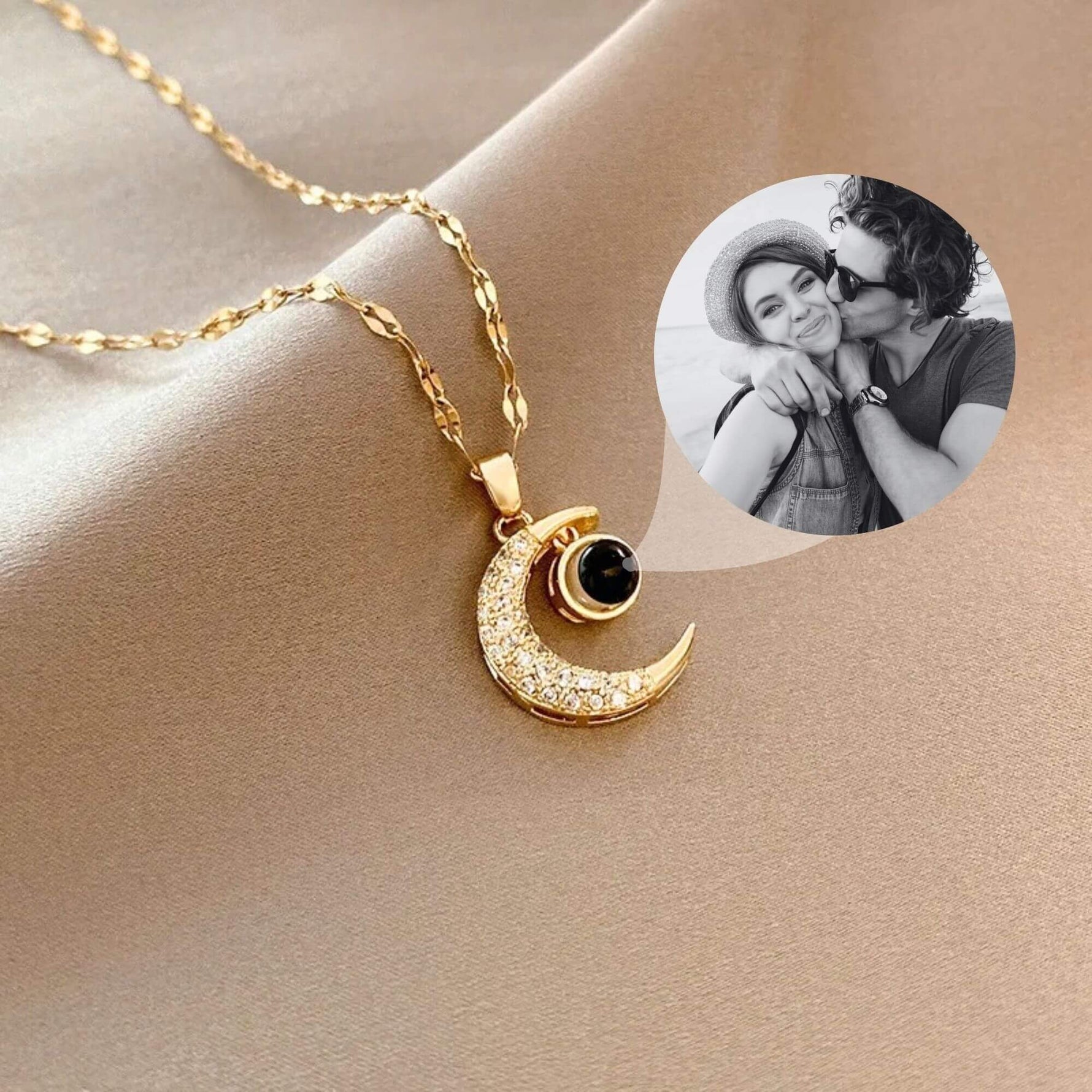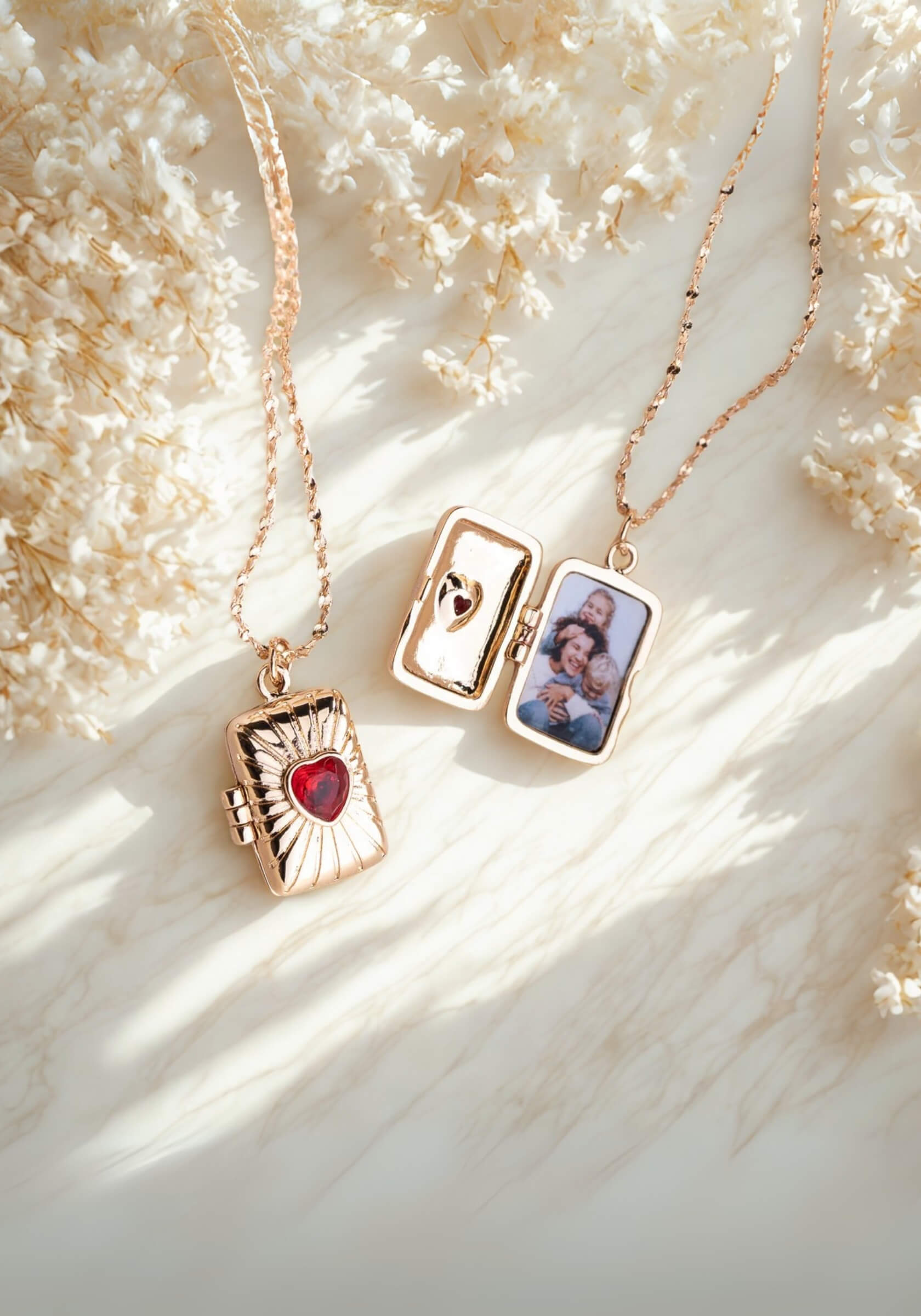





If you’ve ever paused mid-order wondering what size photo fits in a locket, you’re already focused on the part that matters most. Locket necklaces look simple, yet the photo inside does all the work, and you can tell right away when it fits well.
If you’re looking through lockets from Mighty Dainty, that question tends to come up early. Most lockets fit photos between 14 mm and 25 mm, depending on shape and design. Smaller lockets usually hold one face, while larger ones allow more detail or multiple people.
This guide walks you through standard sizes, how to measure your locket, and how photos are sized and prepared to fit cleanly inside.
Standard Locket Photo Sizes (Quick Reference)
Most people start here, since it gives a quick sense of what to expect. It also helps you picture what size photo fits in a locket across different styles.
- Small lockets (14–18 mm / ~0.5–0.7 inches): These usually hold one face. Tight crops work best.
- Medium lockets (18–25 mm / ~0.7–1 inch): These give enough room for two people or more detail.
- Large lockets (25–35 mm / ~1–1.4 inches): These allow more of the scene, including some background.
- Shape differences: Oval lockets need slightly taller crops. Heart shapes take extra care near edges.
- Why sizing varies: Inner frames differ by design, so photo locket dimensions can shift slightly.
These ranges give you a starting point before measuring your exact piece.
Locket Photo Size Guide: How to Measure Your Locket Accurately

A clear locket photo size guide starts with the inside of the locket. That space determines the correct photo size for your piece.
- Measure the inner frame: Use a ruler or caliper to check height and width inside the locket.
- Account for the edge: Some designs include a rim that holds the photo in place.
- Work with the shape: Measure widest and tallest points for oval or heart lockets.
- Make a paper template: Cut a small piece of paper and trim until it fits well.
- Test before printing: If the paper fits cleanly, your photo will too.
A millimeter makes a difference here. That’s why measuring carefully matters when deciding what size photo fits in a locket.
How to Print Photo for Locket Necklace (Step-by-Step)
This is where knowing what size photo fits in a locket actually pays off, since your photo will print at the right scale from the start.
- Choose a clear image: Close-up photos keep faces sharp and easy to recognize.
- Resize before printing: Match your exact measurements using editing tools.
- Keep resolution high: Around 300 DPI helps the image stay crisp.
- Pick the right paper: Matte photo paper works well under glass.
- Run a test print: Regular paper helps confirm size and framing.
This helps the photo look right once it’s inside the locket.
How to Cut Photo for Locket Without Ruining It
Once you know what size photo fits in a locket, a clean cut makes a visible difference in how the photo sits.
- Trace your template first: Outline the shape lightly over the photo.
- Use sharp tools: Fine scissors or a craft knife give better edges.
- Cut slightly inside the line: This helps the photo fit neatly inside the frame.
- Check the fit early: Place it inside and adjust as needed.
- Trim gradually: Small cuts give more control.
Once you understand how to cut photo for locket, the process feels more precise and easier to manage.
Real Examples of What Size Photo Fits in a Locket
Seeing real examples makes it easier to judge what will work.
- A 15 mm locket usually frames one face closely. You’ll often crop just around the eyes and chin.
- An 18–20 mm locket gives a bit more space. Two faces can fit, although they’ll sit close together.
- A 22–25 mm locket allows better spacing between subjects. You can include shoulders or a small amount of background.
- A 30 mm or larger locket gives room for more detail. These work well for wider shots or multiple people.
As size increases, cropping becomes less tight. Still, clarity matters at every size, since small prints show every detail.
Common Mistakes People Make (and How to Avoid Them)
Small details can affect the final result more than expected.
- Photos printed too dark: Slight brightness adjustments help details show better.
- Wide-angle images: Faces appear smaller, which reduces clarity.
- Skipping a test fit: Paper checks help confirm what size photo fits in a locket before printing.
- Ignoring depth: Some lockets press the photo under glass.
- Low-resolution images: Blurry photos become more noticeable at small sizes.
These small fixes make a noticeable difference in how the photo looks inside the locket.
How to Choose the Right Photo for a Locket
Once you know what size photo fits in a locket, choosing the photo becomes much easier. A good image changes how the piece feels when you open it.
- Go for close-up shots: Faces stay clear and easy to recognize at a small size.
- Use good lighting: Natural light helps define features and keeps the image sharp.
- Crop with purpose: Focus on what matters most, especially when space is limited.
- Keep contrast in mind: Strong contrast helps details stand out in smaller prints.
- Try black and white or color: Black and white looks crisp, while color adds warmth and depth.
You’ll recognize the right photo the moment it sits well inside the locket.
DIY vs. Professional Locket Photo Services
At this stage, you understand how sizing works and how to prepare a photo. The next step is choosing how you want to handle the process.
DIY gives you full control. You can adjust every detail, from cropping to printing. It can feel satisfying when everything lines up. On the other hand, professional services handle sizing, printing, and fitting. That approach saves time and keeps results consistent.
Both options work well. The goal stays the same: a photo that fits cleanly and looks right.
Mighty Dainty Lockets: Skip the Measuring, Keep the Meaning

Mighty Dainty designs and crafts each piece in California, focusing on jewelry that holds something personal. Lockets carry photos, while other pieces capture names and moments tied to real life.
If you’ve been figuring out what size photo fits in a locket, this is where things get easier. You choose your locket, upload your photo, and the team handles the sizing, printing, and placement. It arrives already fitted inside, ready to wear. The result feels clean and ready to wear from the start.
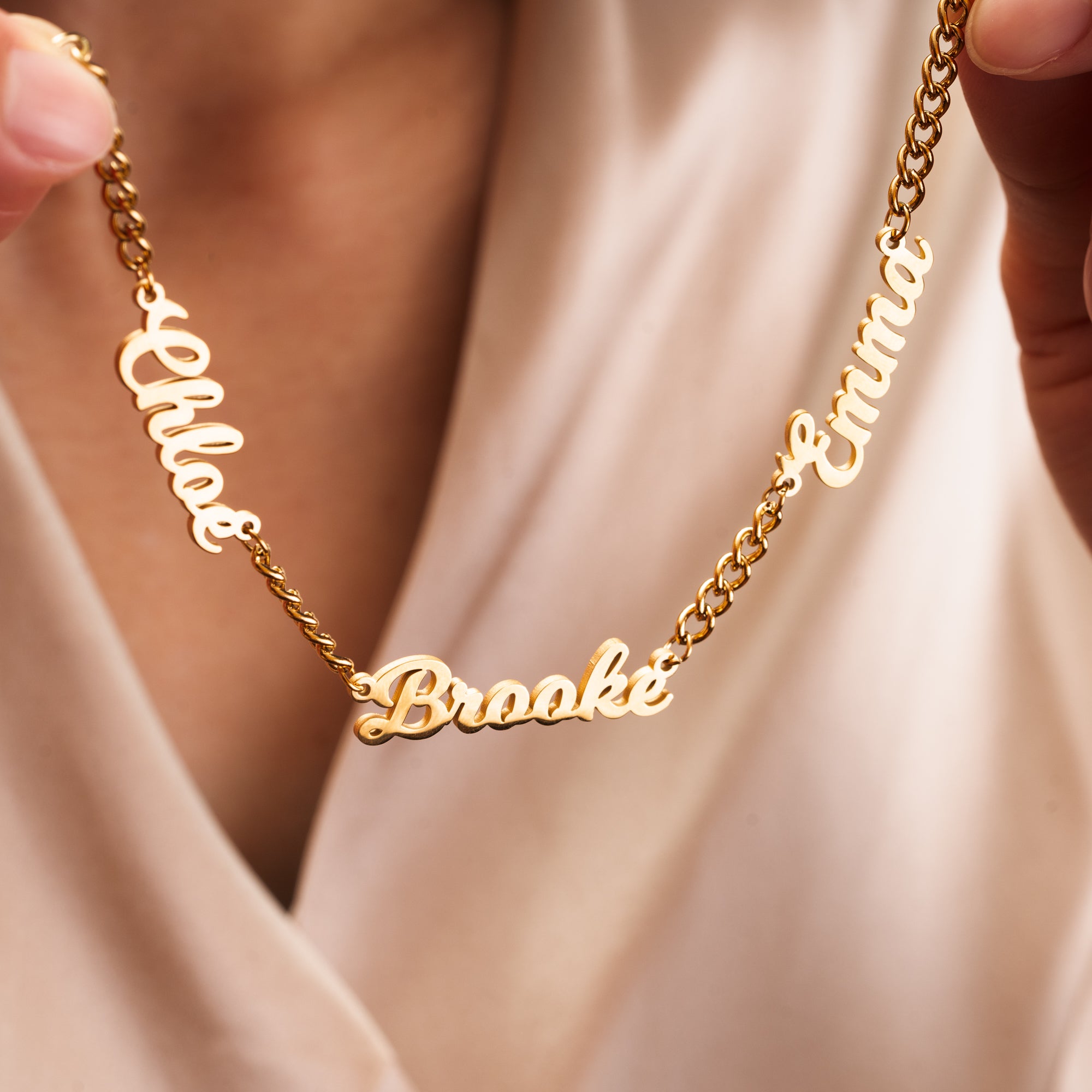
Our collection also includes engraved photo necklaces. A name, a date, or a short message adds another layer to the piece.
In the end, the idea stays simple: choose a photo you’ll want to see again and again.
Frequently Asked Questions (FAQs)
-
What size photo fits in a standard locket?
Most locket photos measure between 14 mm and 25 mm.Smaller lockets usually hold one face, while medium sizes fit two people more comfortably. Measuring the inside of your locket gives the most accurate result.
-
Can you print a photo for a locket at home?
Yes, you can print a locket photo at home. Use a high-resolution image, set it to around 300 DPI, and print on photo paper. A test print helps confirm the size before final printing.
-
What is the best paper for locket photos?
Matte photo paper works best for locket photos. It reduces glare and keeps details visible under glass. Glossy paper can reflect light and affect visibility.
-
How do you resize a photo for a locket?
Resize your photo using editing tools to match your exact measurements. Enter the dimensions, crop the image, and keep proportions consistent so it fits cleanly.
-
Can you use a phone photo for a locket necklace?
Yes, phone photos work well for lockets. Choose a clear, well-lit image for the best results, especially when printing at a small size.