

Choosing a photo for a locket is usually the easy part. Figuring out how many you can actually include takes a closer look at the design. So, how many pictures fit in a locket? Depending on the way it opens, there may be space for one, two, or four photos.
Mighty Dainty offers photo necklaces in several formats. We’ll look at how each one uses its interior space, which photos work best, and what matters when choosing between them.
How Many Pictures Can a Locket Hold?
If you’re wondering how many pictures fit in a locket, the design itself usually gives you the answer. The way a pendant opens determines how many spaces it has for photos.
- One-photo lockets have one dedicated photo space. The image sits within a single interior frame or compartment.
- Two-photo lockets provide two separate spaces. A hinged design can use both interior sides, giving each picture its own area.
- Four-photo lockets use additional sections inside the pendant. Folding panels or connected compartments create room for four individual images.
The outside dimensions can be similar across different designs, while the interiors work very differently. That’s why the opening structure is a better guide to photo capacity than pendant size alone.
One-Photo Lockets: More Space for One Image

One-photo lockets give a single picture the full photo area. If one image already captures what you want to carry, that dedicated space can make good use of it.
For example, Mighty Dainty’s Love Letter Photo Necklace and Snow Flake Photo Necklace both follow this single-image format. You could use a portrait of one person or a photo of a couple together.
A single space also works well when the surroundings add something to the picture. Think of your child holding their favorite toy or your pet in a familiar spot. The setting stays part of the memory rather than becoming a separate image.
This format can also simplify the choice when one photograph already includes everyone you want. A close family picture, for instance, may make better use of one photo space than several individual portraits.
So, when deciding how many pictures fit in a locket for your needs, start with the photo itself. Its people, setting, and composition can tell you whether one dedicated space is enough.
Two-Picture Photo Necklace: Pairing Photos That Belong Together

If you’re figuring out how many pictures fit in a locket, think about whether two of your photos naturally belong together. A two-photo design gives each one its own space while keeping the pair connected.
Mighty Dainty’s Personalized Heart Photo Necklace and Retractable Book Photo Necklace are examples of this format. You could use the spaces for two people, two points in time, or different parts of the same story.
For a family photo necklace, you might pair portraits of relatives from different generations. You could also place each parent or grandparent in their own space.
The two photos can follow one person through time, too. A childhood picture could sit alongside a recent portrait. Similarly, an engagement photo could pair naturally with a wedding photograph.
Another option is connecting a person with a meaningful place. Their portrait might sit alongside a childhood home, favorite destination, or another familiar setting.
Two spaces work best when the relationship between the pictures feels clear. When the locket opens, the images can tell you something about each other.
Four-Picture Locket: Creating a Photo Collection

Once you start asking how many pictures fit in a locket, four-photo designs open up some interesting possibilities. Instead of centering the piece around one image or a pair, you can create a small collection.
Mighty Dainty’s Four Gold Ball Locket Necklace and Vintage Four Photo Necklace are examples of this format. The available spaces can follow one theme or bring different parts of a story together.
You might dedicate each photo to a family member or bring several generations into the same piece. Another option is to follow one person through different stages of life. For a couple, the images could capture moments from early dates through marriage.
The idea can extend beyond people, too. Photos of pets from different years could share the same piece. You could also choose places connected to one memorable trip.
A multiple-photo necklace works especially well when the photographs make sense as a collection. Look for a connection between the images, so they make sense together when you open the locket.
One Photo or Multiple Photos: Which Locket Format Fits Your Pictures?
Knowing how many pictures fit in a locket gives you the available options. The next question is how you want your photos to relate to each other.
- Choose one photo when one image already brings everything together. A couple, family, or favorite moment can share one frame when the photograph itself tells the story.
- Choose two photos when there’s a natural relationship between them. Two people can have separate spaces, or the images can connect different points in time.
- Choose four photos when you want to build a collection. Several people, generations, places, or moments can each have a dedicated spot inside the same piece.
A locket for multiple pictures makes sense when the individual photographs matter as much as the connection between them. Start with what you want to see when you open the locket, and the right capacity usually becomes clear.
How to Choose Photos That Stay Clear at Locket Size
Once you know how many pictures fit in a locket, the next question is whether your chosen photos will still read clearly at that size. A picture can look great across a phone screen and change considerably once reduced to a tiny frame.
- Start with the original file. A sharp, high-resolution image gives you greater flexibility when resizing and cropping. For the most flexibility, use the original phone or camera file.
- Check the subject’s size in the frame. A person photographed from across the room may become difficult to recognize once reduced. Photos where the subject already occupies a good portion of the frame usually translate better.
- Allow room for the pendant shape. Heart, oval, round, and rectangular frames crop photographs differently. Knowing what size photo fits in a locket can help you judge how much of the original image will appear inside the frame.
- Look for even lighting. Good exposure helps preserve facial features after the image is reduced. Photos with visible eyes, expressions, and facial outlines tend to reproduce more clearly.
- Check what’s happening in the background. Lots of small objects can compete with the subject inside a tiny frame. A simpler background makes it easier for the eye to find the person or detail that matters.
- Keep a multi-photo set visually consistent. When using two or four images, compare how closely each subject is framed. Similar viewing distances can make the finished set feel more balanced inside the locket.
Before deciding, shrink each photo on your phone until it looks roughly locket-sized. If you can still recognize the subject and expression at a glance, the image is a strong candidate.
Find the Right Photo Locket for Your Pictures
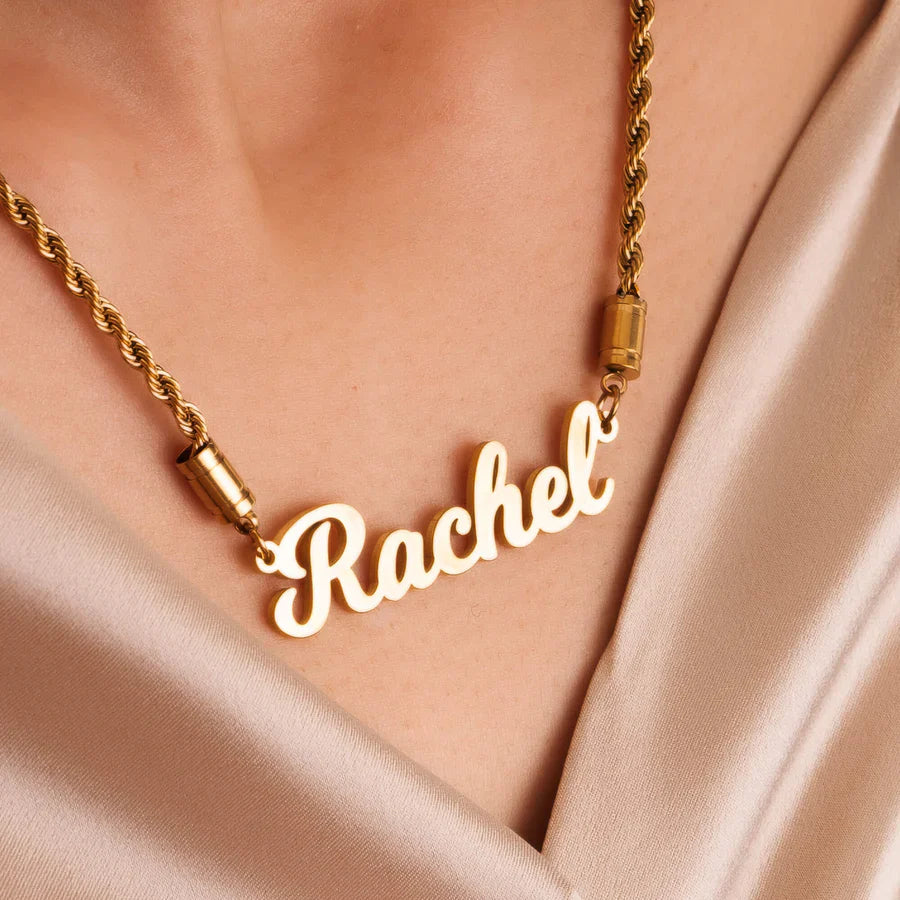
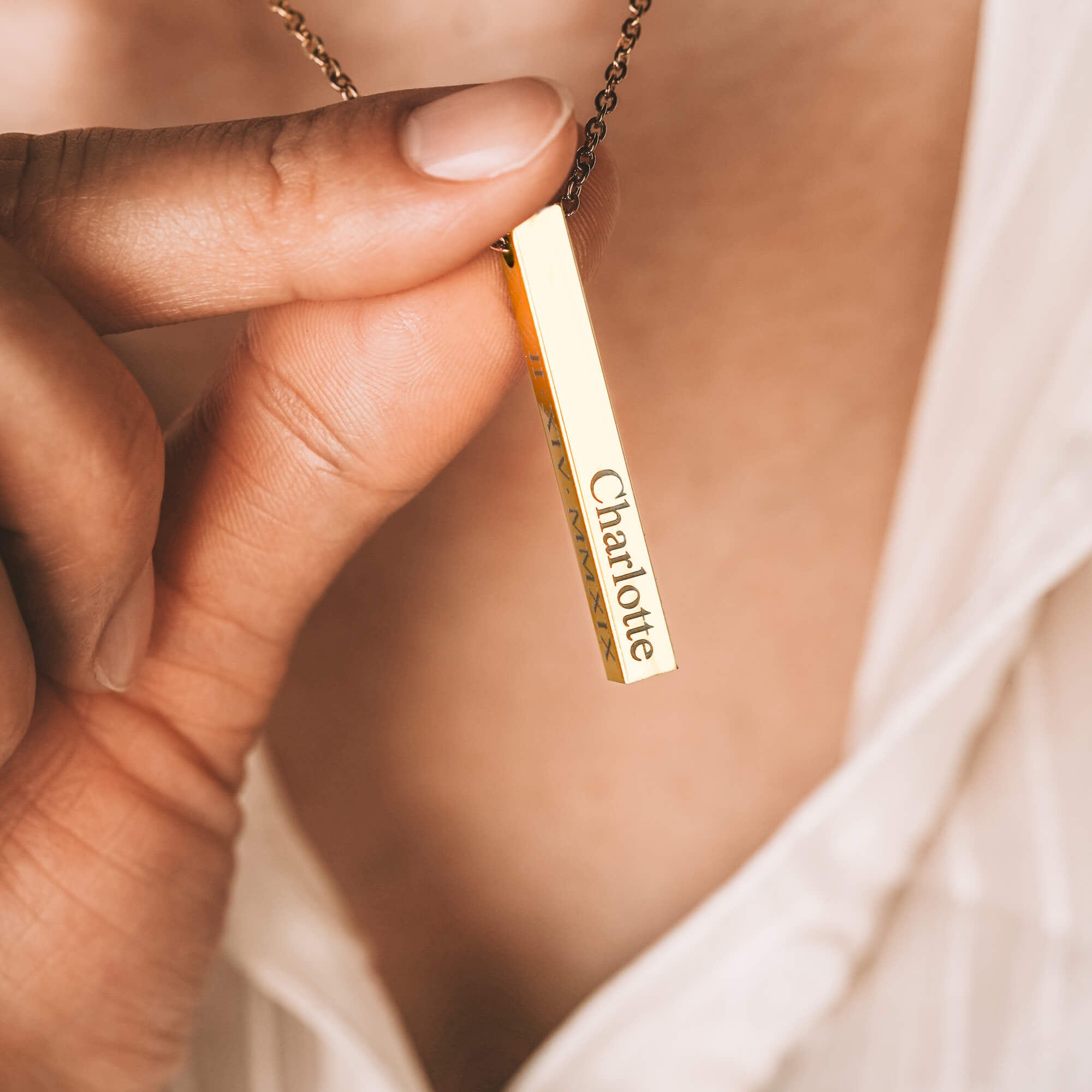
Figuring out how many pictures fit in a locket helps you choose a design with room for the photos you want to include. With Mighty Dainty, some lockets can also be engraved with a name, date, or message connected to the image inside.
Mighty Dainty handles the photo sizing and placement, with each piece designed and crafted in California. A photo necklace can make a personal gift for a wife, girlfriend, mom, or someone else close to you. If you’re choosing the best photo necklace for her, consider a favorite photograph and an engraving that adds another detail she’ll recognize.
The two-photo section and FAQs can remain as they are. I wouldn’t keep editing those simply for the sake of changing them; they already have clear purposes and natural flow.
Frequently Asked Questions (FAQs)
-
Can you replace the picture in a locket?
Yes, you can replace the picture in many traditional photo lockets. The process depends on how the photo sits inside the pendant. Some lockets use removable inserts or frames, while others secure the image differently. Check the locket’s construction before removing the existing photo.
-
How do you put a picture in a locket?
To put a picture in a locket, resize and crop the image to match the interior photo space. Print the photo, carefully trim it to shape, and place it inside the frame. Some personalized locket makers handle the sizing, cropping, and placement as part of the order.
-
What shape photo works best for a locket?
The best photo shape matches the locket’s interior frame. A centered image with some space around the subject gives you greater flexibility when cropping it for heart, oval, round, or rectangular openings. Photos with faces close to the outer edges can be harder to fit cleanly.
-
What is the difference between a photo locket and a projection necklace?
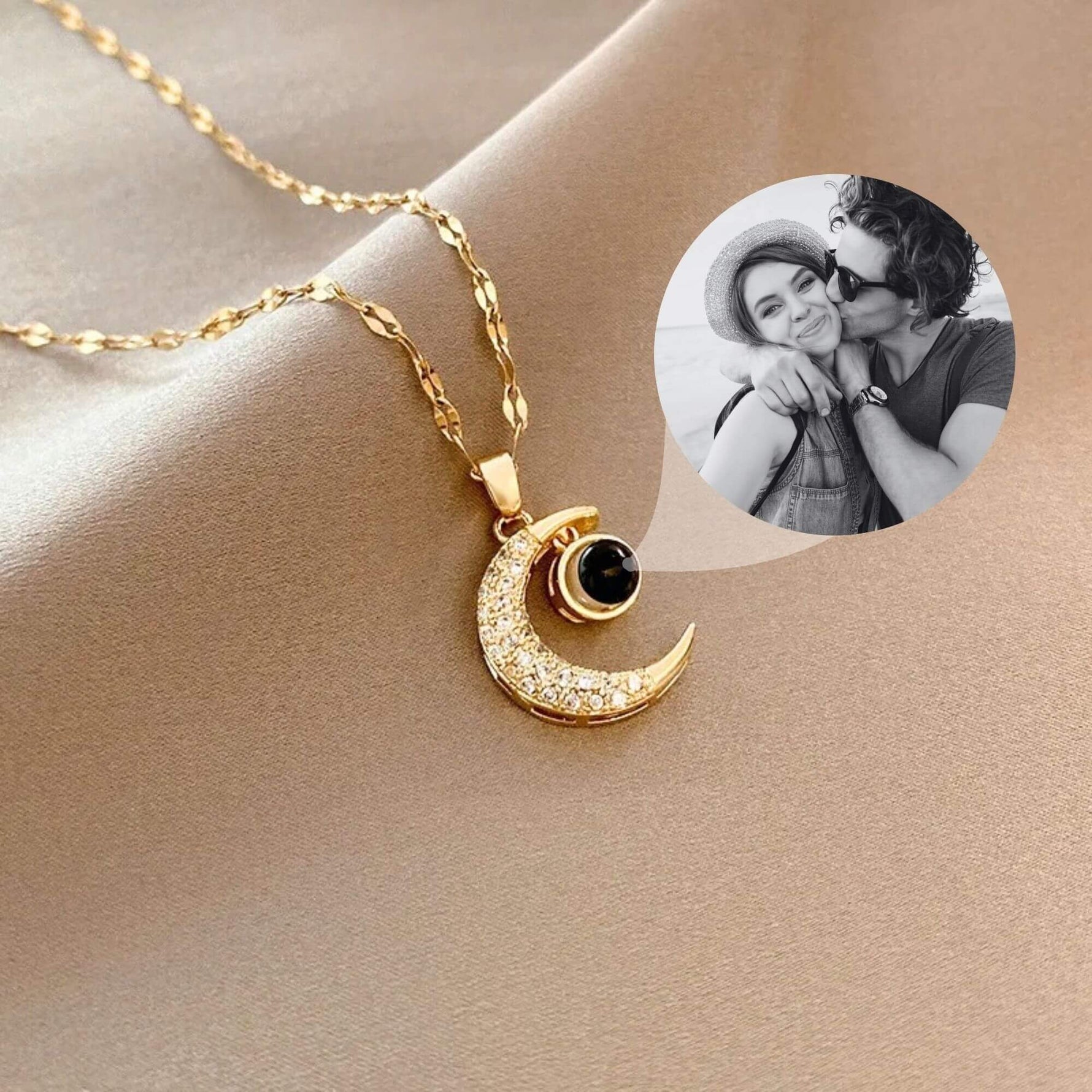
A photo locket displays a physical picture inside a pendant that opens. A projection necklace uses a tiny image inside the pendant that you view through its center or project using light. Both carry a chosen photo, but they display it in different ways.
-
Can you engrave a photo locket?
Yes, some photo lockets can be engraved alongside the picture inside. Depending on the design, engraving may include a name, date, initials, or short message. Placement and character limits vary by locket, so check the available personalization options before deciding what to add.