

Jewelry gets more meaningful when you get a say in what goes on it. Buying personalized jewelry online also involves decisions that do not come with an ordinary jewelry purchase. You may need to supply a photograph, enter an engraving, or select measurements for someone else. Getting those details right matters because they become part of the jewelry.
Before placing your order, a few practical checks can help you avoid spelling errors, unsuitable photos, sizing problems, and unexpected delivery delays. Here’s what Mighty Dainty recommends reviewing first.
Quick answer: Before buying personalized jewelry online, confirm the available customization, spelling, image quality, materials, measurements, production time, delivery estimate, and return policy. Review every detail again at checkout because changes may be limited once production begins.
Check What Can Be Personalized
Start with the design itself because each piece has its own personalization options. When buying personalized jewelry online, checking those options first helps you see whether the design fits what you want to add.
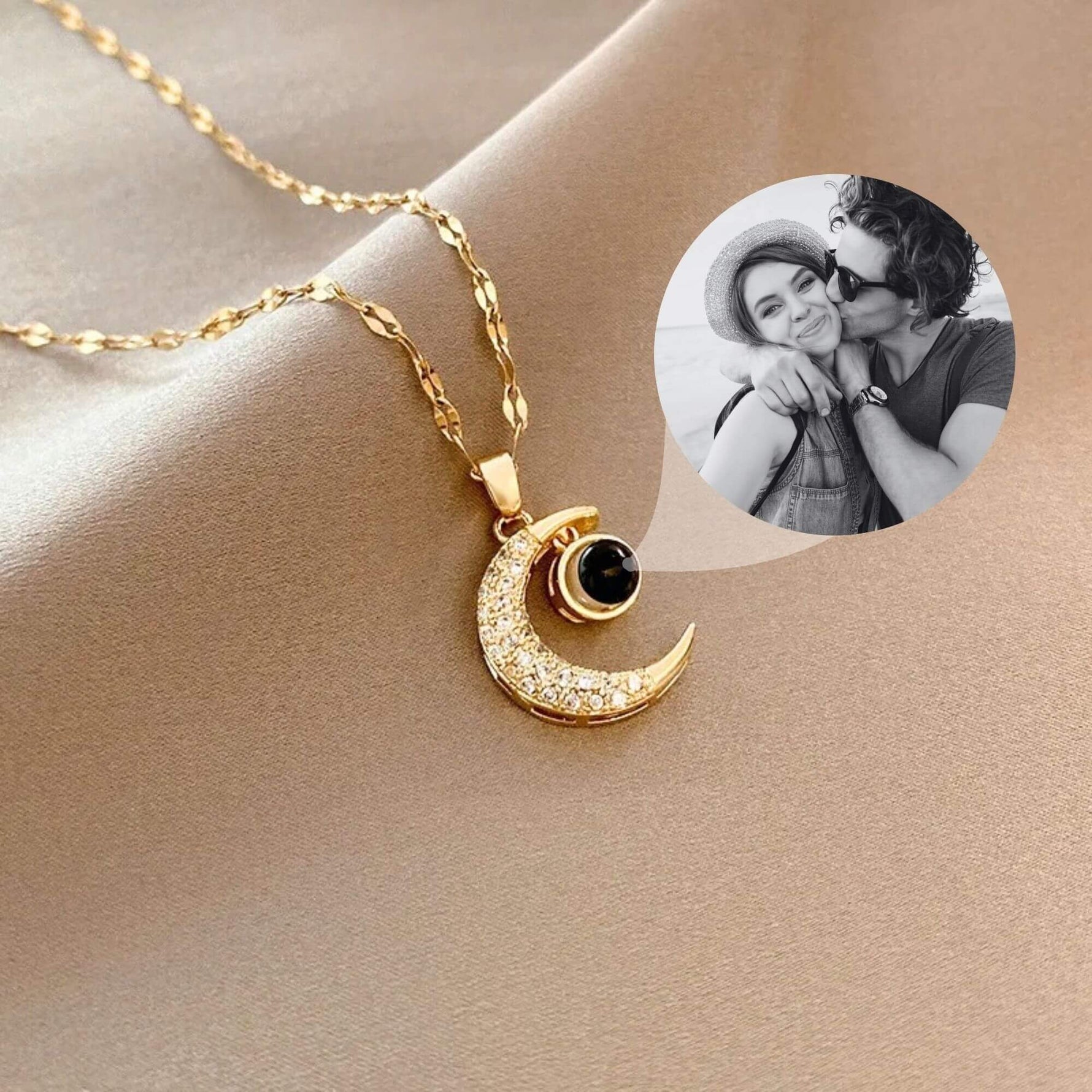
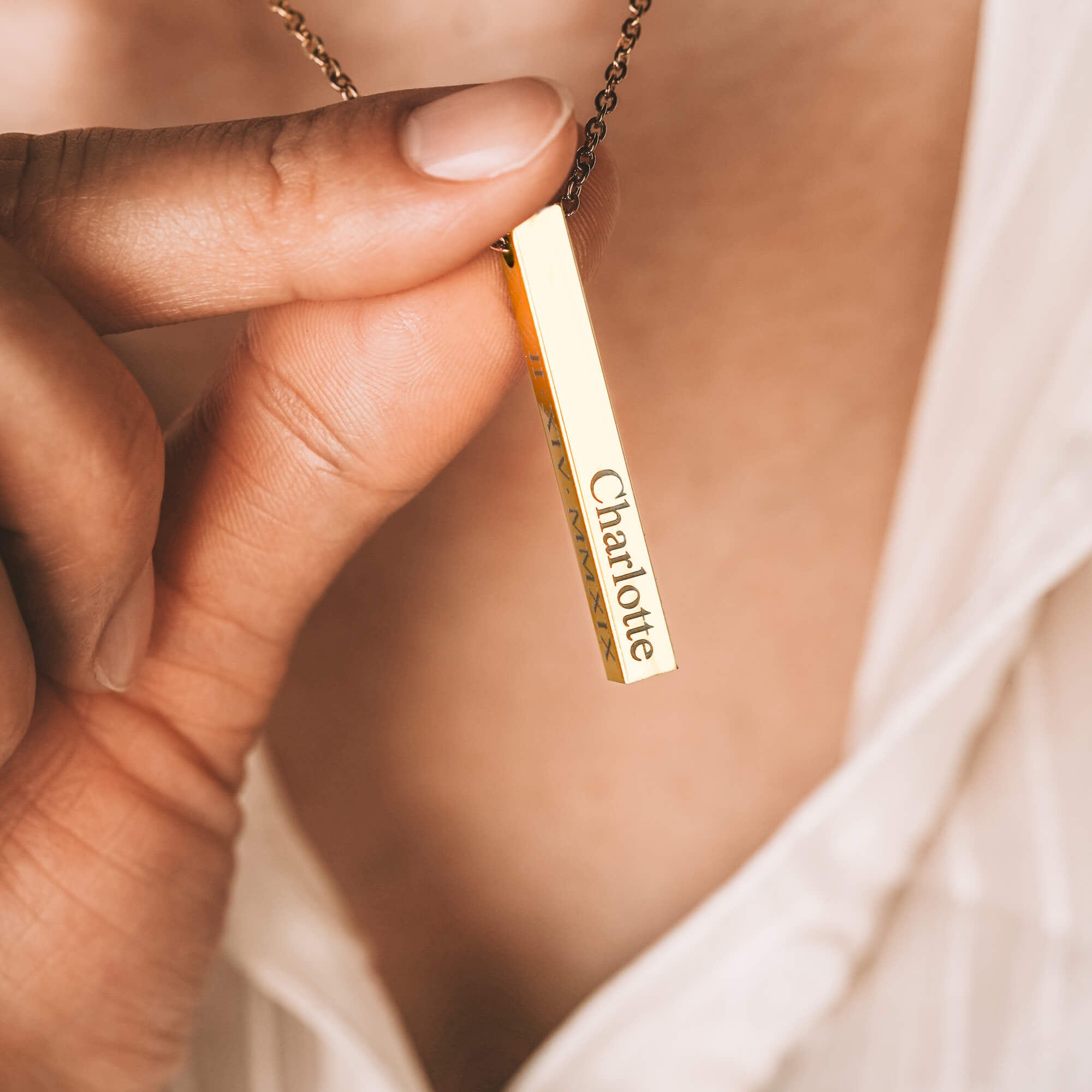
A slim bar may have room for a short name, while a locket can accommodate a photograph. Other designs may allow several names, birthstones, or another available addition.
The type of personalization matters too. An engraving comes with space limits, while a photo or print may have its own image requirements.
Read the product details closely before deciding what to include. Look for character limits, photo capacity, available symbols, and the number of personalization fields.
How to Order Personalized Jewelry With the Right Details

Small details carry extra weight when buying personalized jewelry online because the maker works from what you submit. Before placing the order, compare each personal detail with its original source.
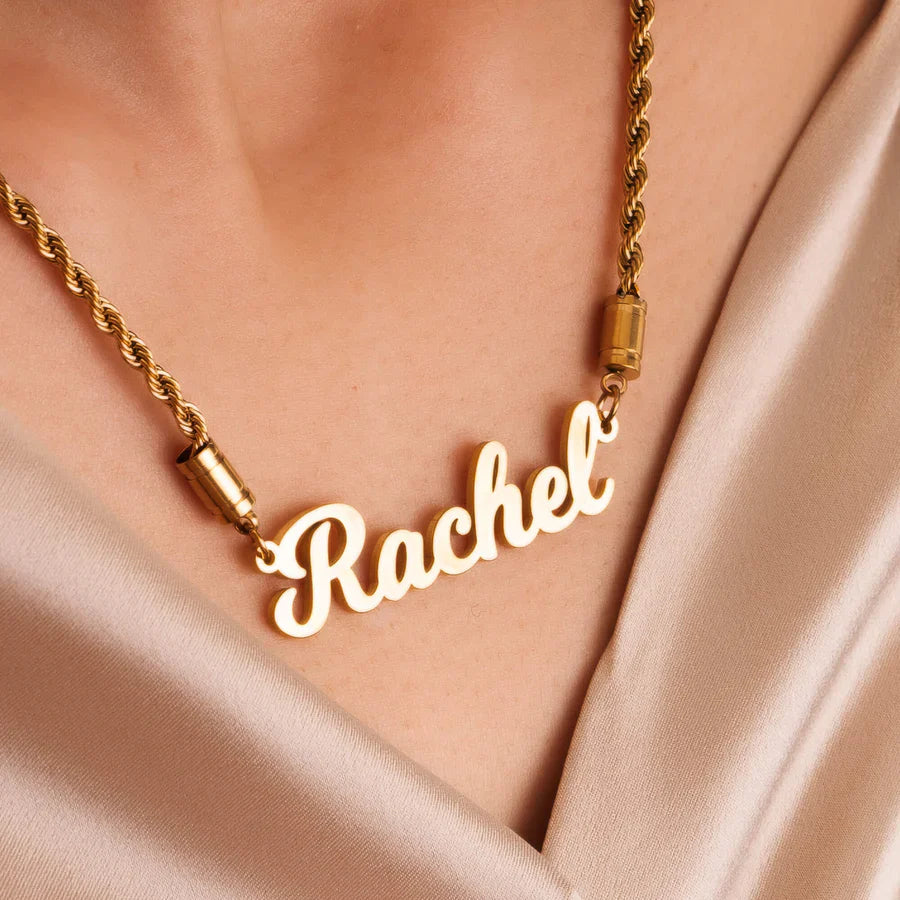
- Read names letter by letter. Confirm spelling, capitalization, and punctuation before submitting an engraving. Nicknames deserve equal care, especially when your family uses a particular spelling.
- Verify dates against the original occasion. Check the day, month, and year before entering them. Also, review the requested format so the engraving appears as you expect.
- Pick a photograph that works at a smaller scale. Look for clear faces and useful contrast. Leave enough space around the subject to allow for cropping.
- Prepare fingerprints or handprints according to the instructions. Clear lines give the maker useful source material. Follow the requested capture method and file format for the selected piece.
- Confirm the birthstone selection. Check that your chosen stone corresponds with the person or birth month you want it to represent.
If you’re ordering for someone else, use information you can verify rather than relying on memory. A quick look at a saved photo, calendar, or family message can settle the details before checkout.
How to Check Personalized Jewelry Quality Online
Quality takes a little closer reading when buying personalized jewelry online because you can only inspect what the product page shows. Product details for personalized jewelry for women can reveal useful differences in materials, construction, and personalization methods.
- Start with the materials. Check what the jewelry and its main components use. Specific material information gives you a clearer basis for comparing different pieces.
- Look closely at the construction. See how chains connect to pendants and how clasps close. These details can help you understand how the piece will function during regular wear.
- See how the personalization becomes part of the piece. Product details may explain the engraving, image, or print process. Close-up photographs can also show how the personalization appears on the jewelry.
- Study several product photographs. Different angles can reveal edges, connections, and smaller design features that one main image may miss.
- Read the care guidance. Check how the maker recommends cleaning, storing, and handling the jewelry. This can help you understand the care the piece requires over time.
Before comparing two pieces, make sure the product pages give you enough information for a fair comparison. Similar-looking designs can differ in materials, construction, and personalization methods.
Check the Size, Length, and Personalization Placement
Product photos can make a small pendant fill the screen, which makes measurements worth checking when buying personalized jewelry online. Start with the dimensions listed on the product page, then consider how the piece will sit when worn.
For necklaces, look at the chain length alongside the pendant size. If you need to choose a personalized necklace as a gift, use one she already wears as a reference. Its chain can give you a useful starting point for where the new necklace may sit.
Bracelets need a slightly different approach. Review the available size and any adjustment range, then use the retailer’s measuring guidance to find the closest fit.
Next, check where the personalization appears on the design. An engraving may sit on a visible surface or another designated area. A locket may also have a specific space and orientation for its image.
When buying for someone else, a piece from her jewelry box can be surprisingly useful. Measure it or note where it sits, then use those details while reviewing the new piece.
Check Processing and Delivery Times
A gifting date can make the calendar just as important as the design. When buying personalized jewelry online for an occasion, check how much production time comes before shipping.
Processing covers the time needed to prepare the personalized piece before dispatch. Depending on the design, that may include engraving or preparing an image. Shipping begins once the carrier receives the order.
If you have a date in mind, work backward from when you want the jewelry to arrive. Give production and delivery their own time rather than treating them as one estimate.
Also, check whether the retailer shows a processing window, an estimated arrival date, or both. Seasonal order volumes can change current estimates, so use the information shown for the order you’re placing.
Read the Changes, Returns, and Order Issue Policies
Buying personalized jewelry online often involves an order made to your specifications, which can affect the policies that apply after checkout. Read the retailer’s terms before ordering so you know how they handle changes, returns, cancellations, and order issues.
- Find out how order changes work. Look for instructions on correcting personalization after checkout and any timeframe for requesting an update.
- Read the return and exchange terms. See which conditions apply specifically to personalized items and what the retailer asks customers to provide.
- Know how to report an order issue. Find the steps for contacting the retailer about an incorrect or damaged piece. The process may ask for photographs or order information.
- Review the cancellation policy. Look for any stated cancellation window and information about when production begins. Those details can affect the available options after checkout.
It’s also worth finding the retailer’s customer service contact before placing the order. If a question comes up later, you’ll already know where to send it.
Personalized Jewelry Ordering Tips Before Checkout
The checkout page is your chance to see the entire order in one place. One useful habit when buying personalized jewelry online is comparing the final summary with the product page before paying.
- Check that every personalization field appears in the summary. Some designs have several customizable areas. Make sure the final order reflects each one you completed.
- Look for default selections. A product page may preselect an available option before you make your choices. Confirm that the final selection reflects the version you actually want.
- Check the quantity for each personalized piece. This matters when you have similar items in the same cart. Make sure each quantity matches the personalization attached to it.
- Review separate items individually. If you’re ordering several personalized pieces, match each name, image, or selection to the correct product. Similar designs can become surprisingly easy to mix up in a full cart.
- Save a copy of the final order details. A confirmation email may contain them, but a screenshot also gives you an immediate record of what appeared at checkout.
Before paying, also check whether the cart keeps your personalization after you edit another option. A quick return to the order summary can confirm everything stayed attached to the right piece.
|
What to Check |
What to Confirm |
|
Personalization |
Spelling, dates, symbols, character limits, and placement |
|
Photographs |
Clarity, lighting, resolution, orientation, and cropping space |
|
Prints |
Clear fingerprint, handwriting, or handprint in the requested format |
|
Materials |
Metal, plating, chain, clasp, stones, and care requirements |
|
Measurements |
Pendant size, chain length, bracelet size, and adjustment range |
|
Production |
Processing time and proof or preview availability |
|
Delivery |
Shipping method, estimated arrival, and address |
|
Policies |
Changes, cancellations, returns, warranty, and damaged-item claims |
|
Checkout |
Correct product, quantity, options, and personalization |
Personalized Jewelry from Mighty Dainty

Mighty Dainty designs and crafts its jewelry in California, with personalization built around details that come from you. Depending on the piece, that can include a photo, name, fingerprint, handprint, or another available personal detail.
Each option gives the jewelry a specific connection to its wearer. A photo can preserve a familiar face, while an engraving can use the exact name or wording you choose.
Before ordering, start with the detail you want the piece to hold. From there, the design and available personalization options can help you find the right place for it.
Frequently Asked Questions (FAQs)
-
Can personalized jewelry be resized?
It depends on the design and where the personalization appears. Some pieces may allow sizing adjustments, while others come in fixed sizes or lengths. Check the available sizing options before ordering and follow the jeweler’s guidance for the specific piece.
-
Can you engrave handwriting on jewelry?
Some jewelers can reproduce handwriting on suitable designs using an image of the original writing. The available space and personalization method affect what can be used. Check the product requirements before preparing the handwriting sample.
-
How do I take a fingerprint for jewelry?
Follow the jeweler’s instructions for capturing the fingerprint because submission requirements can vary. Aim for a clear image with visible fingerprint lines, then use the requested file type or capture method.
-
What should I engrave on personalized jewelry?
Names, initials, dates, coordinates, and short personal messages are common choices. The available engraving area should guide the length of your wording. Choose something the recipient will recognize and check the character limit before submitting it.
-
How many characters can you engrave on jewelry?
Character limits vary by design, engraving area, and jeweler. Smaller surfaces usually provide less room for text, while some designs offer several engraving fields. Check the product page for the exact limit before deciding on your wording.