

The best photo for a photo necklace usually has one thing going for it: you know where to look immediately. A face, a pet, or a familiar moment catches your eye before the background does. That matters when a full-size image has to work within a pendant.
Choosing that photo can take a little thought, especially when several favorites are in the running. Mighty Dainty put together this guide to help you compare them and pick the one that works best for your necklace.
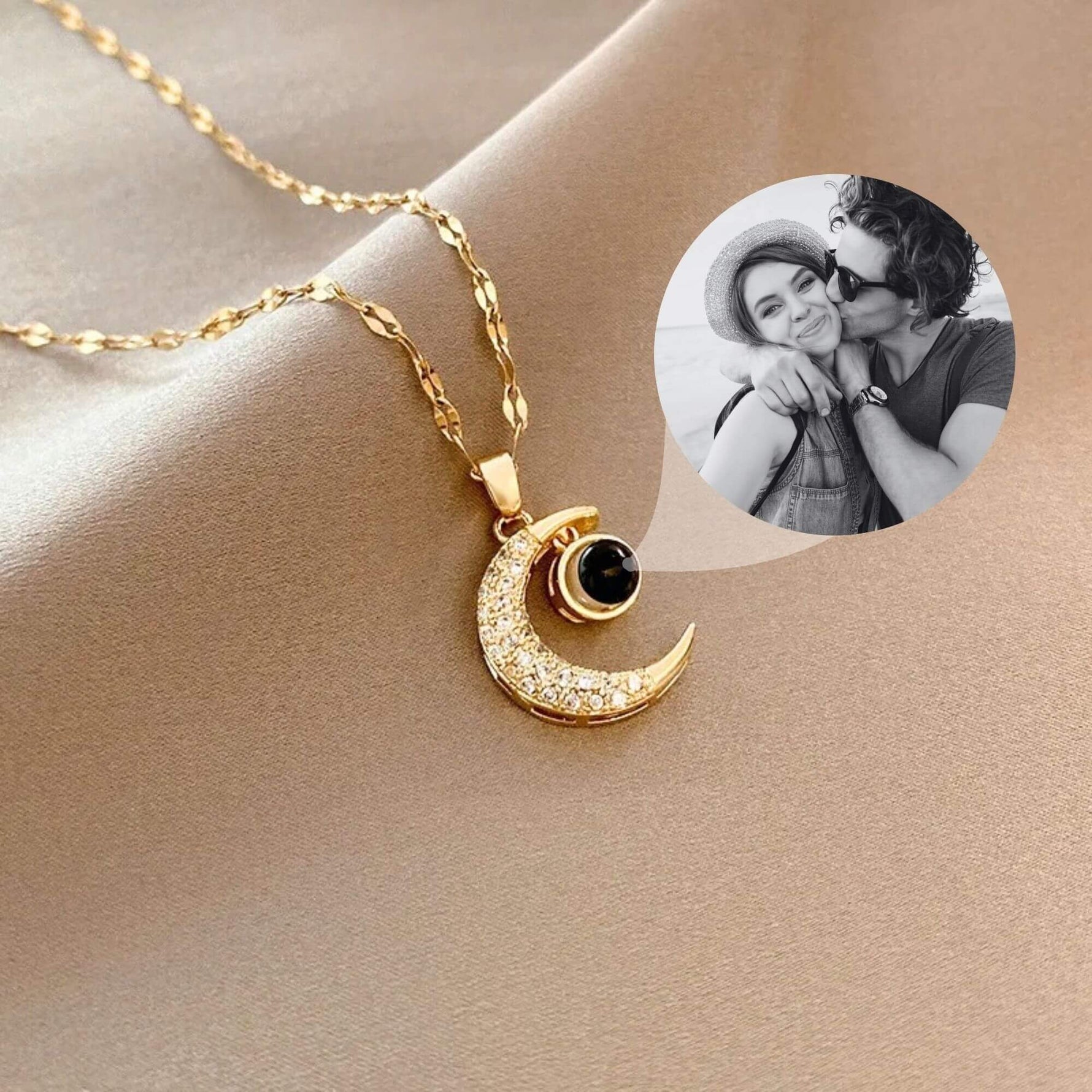
Keep in mind that the ideal image can vary by necklace type. A visible photo pendant usually benefits from a close crop, while a projection necklace works best with a bright, recognizable image. A traditional locket may offer more flexibility because the photo can sometimes be removed or replaced.
How to Choose a Photo for a Necklace
When choosing the best photo for a photo necklace, start with what you want people to notice first. Composition matters because a pendant gives every part of the photo less room to work with.
- Make the main focus easy to spot. Your eye should go straight to the face, pet, or meaningful part of the photo. Close and medium shots often work well because the main focus already takes up a useful amount of the frame.
- Check how clearly you can see each face. Eyes and expressions carry much of the meaning in a portrait, so avoid photos in which hair, hats, hands, or other objects cover important features.
- For couples and families, keep everyone fairly close together. A tighter group uses the frame well and gives each person enough presence. Five relatives scattered across a scenic overlook may make a great vacation photo, though the scenery tends to win.
- Give the main focus some space. A little room around the person can make the overall photo feel less crowded, especially with close portraits.
- See what the background is doing. A detailed setting can add context, especially when the location matters. Ideally, your eye should still go to the person before it starts inspecting everything behind them.
- For pets, choose a photo that really looks like them. Eye-level shots often capture their expression and proportions well. A familiar head tilt, expression, or pose can make one photo stand out from the rest.
You can test your choice by viewing the photo as a small thumbnail. If you still notice the right thing first, the composition is working.
Check the Lighting, Focus, and Image Quality

A good composition can only do so much if the photo looks blurry or poorly lit. When choosing the best photo for a photo necklace, check how well you can see the features that matter.
Start by zooming in on the face or main focus. Eyes, smiles, hairlines, and pet markings should remain easy to make out. Slight softness becomes easier to notice when you look closely.
Check for blur and grain, which commonly appear in low-light phone photos or pictures taken while the subject is moving. If you have several similar shots, compare them side by side and select the sharpest version.
Then, look at the lighting. Even light helps facial features show clearly. Heavy shadows can cover part of an expression, while strong backlighting can leave the person much darker than the background.
Contrast affects what you can see as well. Dark hair against a dark wall, for example, can lose some definition. Clearer separation between the person and surroundings helps the outline remain visible.
Finally, check for strong filters or edits. Some filters soften facial features, deepen shadows, or change the original colors. If you have the unedited version, compare both and choose the one that preserves the features you care about.
Photo Necklace Picture Requirements to Check Before Uploading
The best photo for a photo necklace still needs to meet the technical requirements for your chosen piece. Before uploading it, review the product instructions for any specifications that apply.
Keep these technical points in mind:
- File format. Upload a [JPG, PNG, HEIC, OR CONFIRMED FORMATS] file supported by the product uploader.
- Image resolution. Follow any minimum or recommended resolution provided for the product. This helps you choose a file with enough detail for the customization.
- File size. Review any file-size limits listed for the uploader before preparing your image.
- Product-specific instructions. Requirements can vary between necklace designs and customization methods. Follow the guidance for the exact piece you plan to order.
Once your file meets the requirements for the necklace, you can focus on how the photo will sit inside the pendant.
Choose a Photo That Fits the Pendant Shape
Cropping can change how a photo feels once it moves from a screen to a pendant. The best photo for a photo necklace gives important parts of the image enough room within the pendant’s shape.
An easy test is to imagine the pendant outline sitting directly over your photo. Which parts stay inside? Which ones move close to the edge? This gives you a quick sense of how the finished composition could look.
Wide group photos deserve extra attention. Fitting everyone inside a round or vertical crop can make each face appear smaller. If you have several group shots, compare how much of each frame the people occupy.
Tight portraits create a different issue. When a face fills most of the original photo, cropping may bring the forehead, chin, or hair close to the edge. Check the full outline of the face rather than focusing only on the expression.
Also consider details beyond the main subject. Maybe a child’s hand rests on a grandparent’s shoulder, or a wedding bouquet is part of why you love the picture. Keep those details in mind when you assess the crop.
Pendant size matters here as well. When choosing the best picture for a locket, consider how much of the original photo can fit inside its specific photo area. A tighter space may make a close portrait a better fit than a wide scene.
Before uploading, decide which parts of the photograph matter most to you. Then check whether the crop keeps those parts where you want them.
Can You Use an Old, Scanned, or Screenshot Photo?
Sometimes the best photo for a photo necklace lives in an album rather than a camera roll. An older image can work well when it still shows the people and features you care about.
For a printed photograph, a good scan can give you a useful digital copy. Keep the print flat and use even lighting if you photograph it instead. Glossy prints can catch glare, so check faces and other important areas before saving the image.
With digital photos, look for the original file when you can. Messaging apps and social platforms often compress images during sharing, so the version straight from the camera may look sharper.
A screenshot can work when it meets the requirements for your chosen necklace. Before settling on one, check your camera roll, cloud storage, old devices, and shared family albums. Someone in the family usually has a better copy buried somewhere.
Older photographs can naturally have grain, faded colors, or softer focus. Focus on whether you can still recognize the people and the features that make the photo meaningful. A sharper alternative may be less appealing if the older picture is the one you actually want to wear.
Whichever version you find, choose the one that preserves the features you care about most. The best photo for a photo necklace can come from years ago; what matters is finding the version that gives you the clearest image to work with.
Quick Photo Check Before You Order
By now, you probably have one or two photos in mind. Here are a few custom photo necklace tips to help you make the final choice before uploading your image.
- View it small. Reduce the photo to thumbnail size and notice what catches your eye first. The person, pet, or meaningful part should still stand out.
- Zoom in. Look at the features you want to preserve and check that they remain easy to make out. This is also a good time to spot any blur or glare you missed earlier.
- Picture the pendant shape. Make sure faces, hair, hands, and other meaningful details do not fall too close to the crop line.
- Check the requirements. Make sure your file meets the specifications for the necklace you chose before uploading it.
- Compare your final choices side by side. One may have a better expression, while another fits the pendant more naturally. Seeing them together can make the decision much easier.
After these checks, choosing the best photo for a photo necklace should feel fairly straightforward. Go with the image that works well on the piece and still feels like the photo you wanted in the first place.
Create Your Photo Necklace With Mighty Dainty

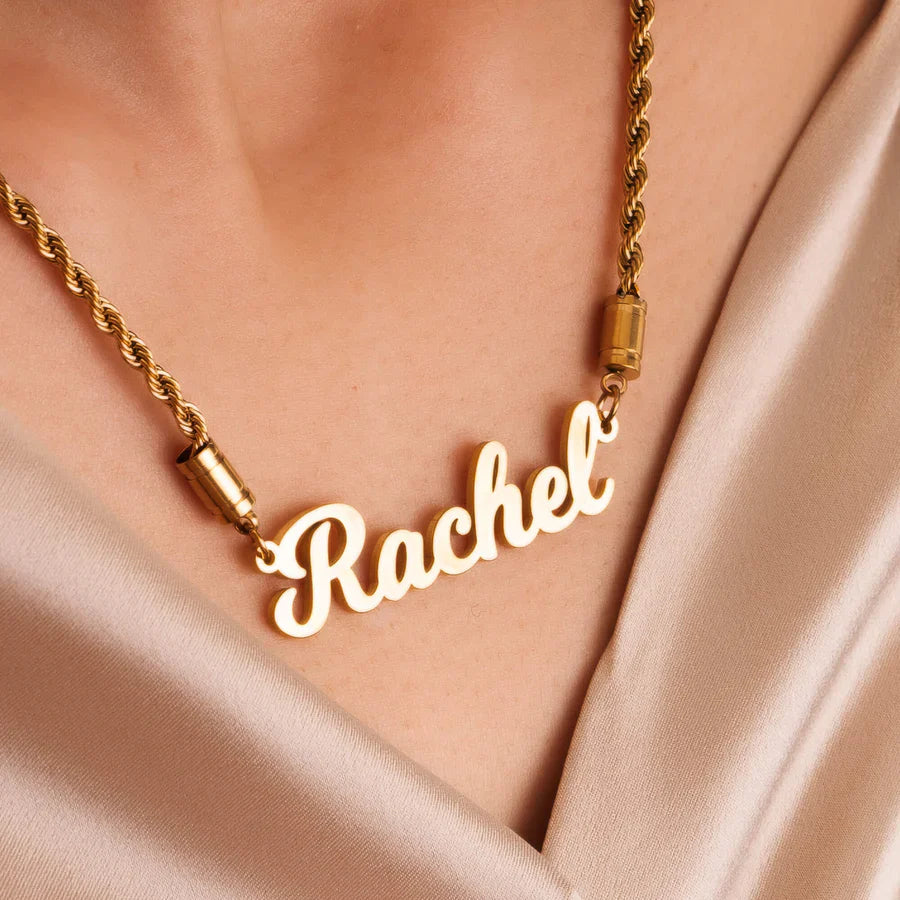
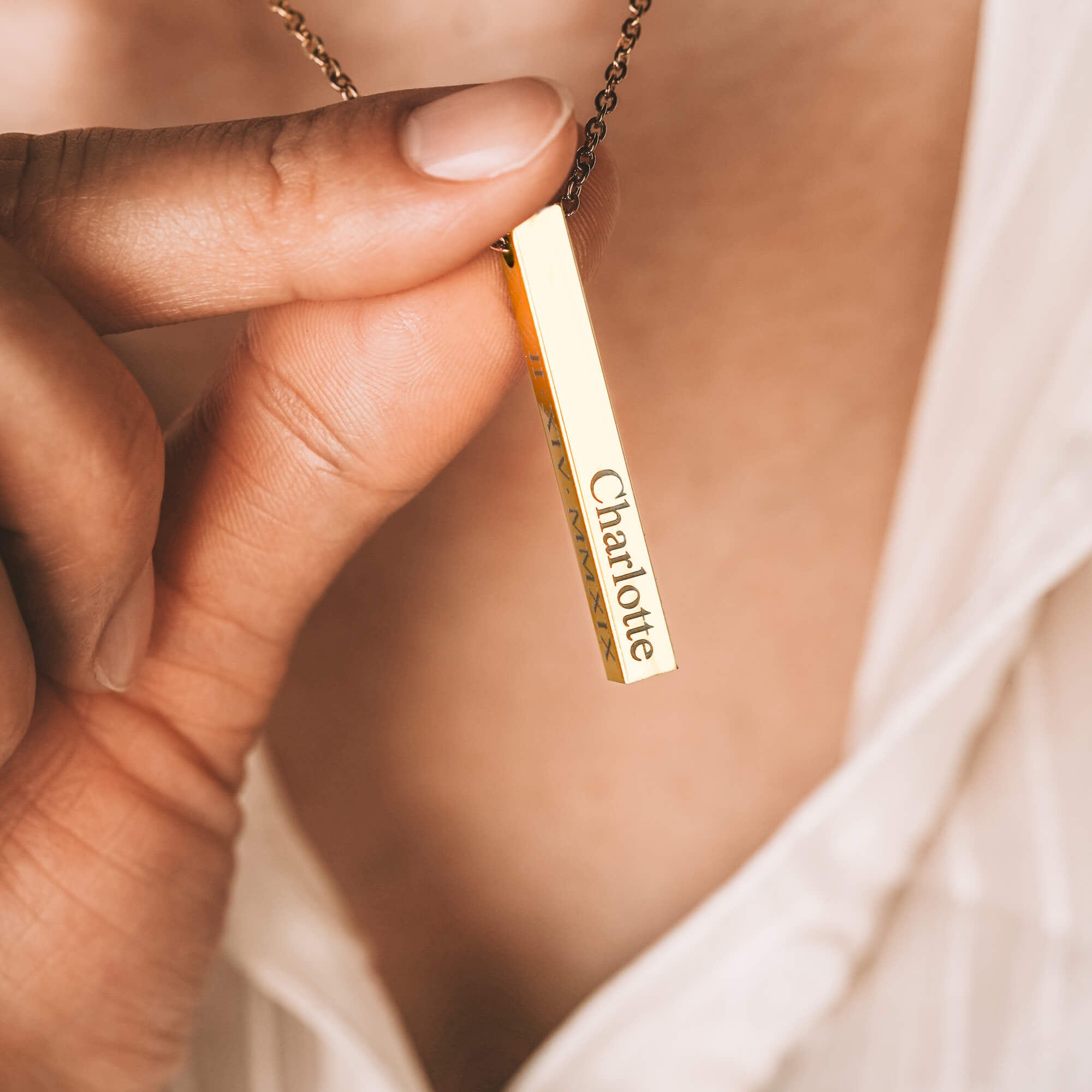
Once you’ve found the best photo for a photo necklace, think about how you’d like to wear it. Mighty Dainty offers photo necklaces in round, oval, heart, and other pendant designs, giving your picture different ways to take shape.
You can also keep the image tucked inside a photo projection necklace, where a small lens holds the picture. When looking for the best photo projection necklaces, consider which pendant design suits your photo and how you’d like to view it.
Whichever style you choose, Mighty Dainty designs and crafts your personalized piece in California. When you’re ready to order a photo necklace, pair your chosen picture with the design that feels like the right fit.
Frequently Asked Questions (FAQs)
-
Can you put more than one person in a photo necklace?
Yes, a photo necklace can feature two or more people if their faces remain easy to see at pendant size. Photos where people stand or sit close together usually work best because each face gets a larger share of the image area.
-
What size photo do you need for a photo necklace?
The ideal photo size depends on the necklace design and its upload requirements. Use the highest-quality version of your photo that meets the listed file specifications, then check how the image fits the pendant’s shape.
-
What kind of photo works best for a photo necklace?
A close, well-lit photo with one clear focal point usually works best. Choose an image in which the face, pet, or meaningful subject remains recognizable at thumbnail size and has enough space around it for cropping.
-
Can you use a black-and-white photo for a photo necklace?
Yes, black-and-white photos can work well for photo necklaces when the face or main subject has good definition. Look for visible facial features and enough contrast between the subject and surrounding areas.
-
Can you edit a photo before putting it on a necklace?
Yes, you can make basic edits before using a photo for a necklace. Adjusting brightness, contrast, or the crop can help important features show clearly, while keeping the person’s natural features recognizable.
-
How does a photo projection necklace work?
A photo projection necklace stores a miniature image inside a small lens in the pendant. You can view the picture through the lens, and some designs allow the image to be projected onto a surface using a light source.
-
Can you change the picture in a photo necklace?
It depends on the type of photo necklace. A traditional locket may hold a removable photo, while personalized photo and projection necklaces typically incorporate your chosen image into the finished piece. Check the specific design before ordering if you want the option to replace the photo later.